
D.C. COMPLIANCE TIPS FOR ADDING IMAGING, MRI, OR CT SUITES TO YOUR FACILITY
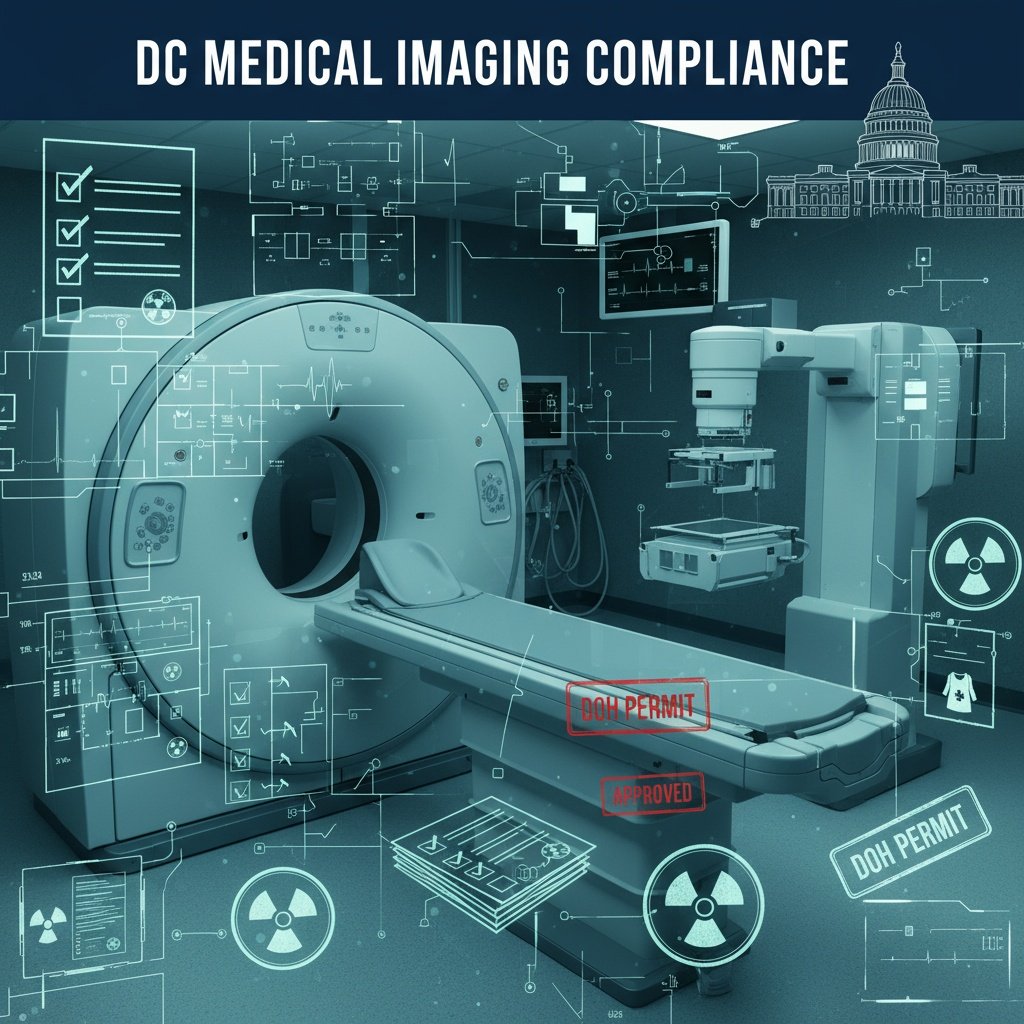
Planning to install a new MRI or CT suite in your D.C. medical office or clinic? Before you start on permits or design, start with your lease. Because if your landlord or neighbors object, you may never get out of the starting gate.
Step One: Lease First, Permits Second
You can have the best imaging design team, the perfect location, and the funding ready to go—but if your lease doesn’t allow heavy equipment, medical imaging, or structural alterations, you could end up with a sunk investment and nowhere to build.
One D.C.-based healthcare provider recently learned this the hard way.
They had a fully permitted CT suite planned, design complete, and construction scheduled. But just weeks before demo began, the landlord raised a zoning and use objection—stating the lease didn’t allow for diagnostic imaging. Even worse, another tenant in the building claimed the vibrations and shielding requirements could disrupt sensitive equipment in their adjacent practice.
Despite thousands spent on planning, the project had to be postponed indefinitely, triggering expensive redesigns and tenant relocation costs.
Lesson learned: Before you touch a permit application, review your lease and talk to your landlord. If you're in a multi-tenant building, notify neighbors early to avoid costly pushback later.
💬 “Imaging suites aren’t just another tenant improvement—they impact the building’s structure, power loads, and sometimes even other tenants' operations. Everyone needs to be on board.” — Senior Project Consultant, M.C.G. Permit Consultants
2. Confirm Zoning & Building Classification Early
Once lease clearance is in hand, move to zoning.
MRI and CT installations typically fall under diagnostic imaging or ambulatory medical use, but if sedation or emergency services are involved, your use classification might shift into ambulatory care facility—which carries different zoning implications.
Make sure to:
Verify the building’s zoning use group
Ensure your suite’s intended function aligns with the existing Certificate of Occupancy (C of O)
Avoid use-group mismatches that can delay permits and require Board of Zoning Adjustment (BZA) approval
Pro Tip: Request a Zoning Determination Letter from D.C.'s DOB before investing in full design drawings.
3. Determine if a Certificate of Need (CON) Is Required
For MRI and CT, the city may ask: is this even necessary?
In D.C., the State Health Planning and Development Agency (SHPDA) requires a Certificate of Need (CON) for many advanced diagnostic services. If you're offering MRI, CT, PET, or other high-capacity services, you’ll likely need to show:
Community need
Referrals and patient projections
Financial feasibility
Potential service overlap with nearby providers
CON applications take about 90–150 days and should be started before building permits are filed.
Pro Tip: Not every imaging modality triggers a CON. Check SHPDA’s current thresholds or consult with a healthcare permitting expert to assess risk.
4. Prepare for Technical Design & Multi-Agency Permits
Once zoning and CON are handled, you can finally design—carefully.
An imaging suite is one of the most technically complex rooms in your facility. Permits must be filed via ProjectDox and typically require:
Architectural layout (with RF or lead shielding)
Structural plans (vibration isolation, equipment weight distribution)
HVAC design for equipment cooling
Electrical load diagrams (with isolation transformers and dedicated circuits)
Shielding analysis by a licensed health physicist (for CT/X-ray)
Fire and life safety plans, including egress and fire suppression adjustments
Expect reviews from:
DOB (Department of Buildings)
DOH (Department of Health)
FEMS (Fire & EMS)
DOEE (for energy usage, cooling systems, or waste discharge)
Pro Tip: Shielding must be inspected and approved before you can close up walls. Don’t skip this step—it’s a common (and costly) mistake.
5. Special Construction Considerations for Imaging Equipment
Each modality has its own design and permitting requirements:
🧲 MRI
RF-shielded enclosures (copper or steel)
Quench pipes for emergency venting
Vibration isolation
Non-magnetic materials
Zone I-IV access controls (per ACR guidelines)
💥 CT/X-ray
Lead-lined walls, doors, and glazing
Licensed health physicist shielding report
Emergency shutoff and visual warning systems
Controlled HVAC and air pressurization (for CT contrast use)
📊 Stat: Imaging projects in D.C. are among the top 10 longest-reviewed medical facility permit types—averaging 10–14 weeks from application to approval.
6. Don’t Forget the Paperwork: C of O & Health License Updates
Once construction is complete, you'll still need to:
Update your Certificate of Occupancy with the new use
Pass final inspections from DOB, DOH, and FEMS
Amend or apply for a new Health Facility License through HRLA
Update your CMS certification if you're Medicare-participating
Skipping these steps can delay opening or cause reimbursement issues for imaging procedures.
Pro Tip: Schedule inspections before construction ends so you can queue up licensing approvals with no downtime.
Final Thoughts: Imaging Suites Are a Team Sport—Start with the Right Players
Adding MRI or CT capabilities to your D.C. healthcare facility is a powerful investment—but it requires coordination, communication, and compliance from day one.
Start by reviewing your lease and looping in building stakeholders. Then work through zoning, CON, and permitting with expert support. It’s a high-risk project—but when done right, it can transform your care delivery and revenue stream.
🧾 Quick D.C. Imaging Suite Compliance Checklist
✅ Lease reviewed and landlord/tenant clearance
✅ Zoning and use group verified
✅ Certificate of Need (if required) submitted
✅ Full permit set filed via ProjectDox
✅ Shielding inspections scheduled and passed
✅ Certificate of Occupancy updated
✅ Health Facility License amended
Planning an Imaging Suite in D.C.? Don’t Go It Alone.
M.C.G. Permit Consultants helps healthcare providers in the District navigate high-stakes projects like MRI, CT, and diagnostic imaging suite build-outs. From lease analysis to shielding approval, we handle the red tape so you can focus on delivering care.
📞 Call: 202-729-8272
📧 Email: sayhello@mcghealthcarepermits.com
🌐 Visit: www.mcghealthcarepermits.com
Get compliant. Get approved. Get imaging online—without delays.
